
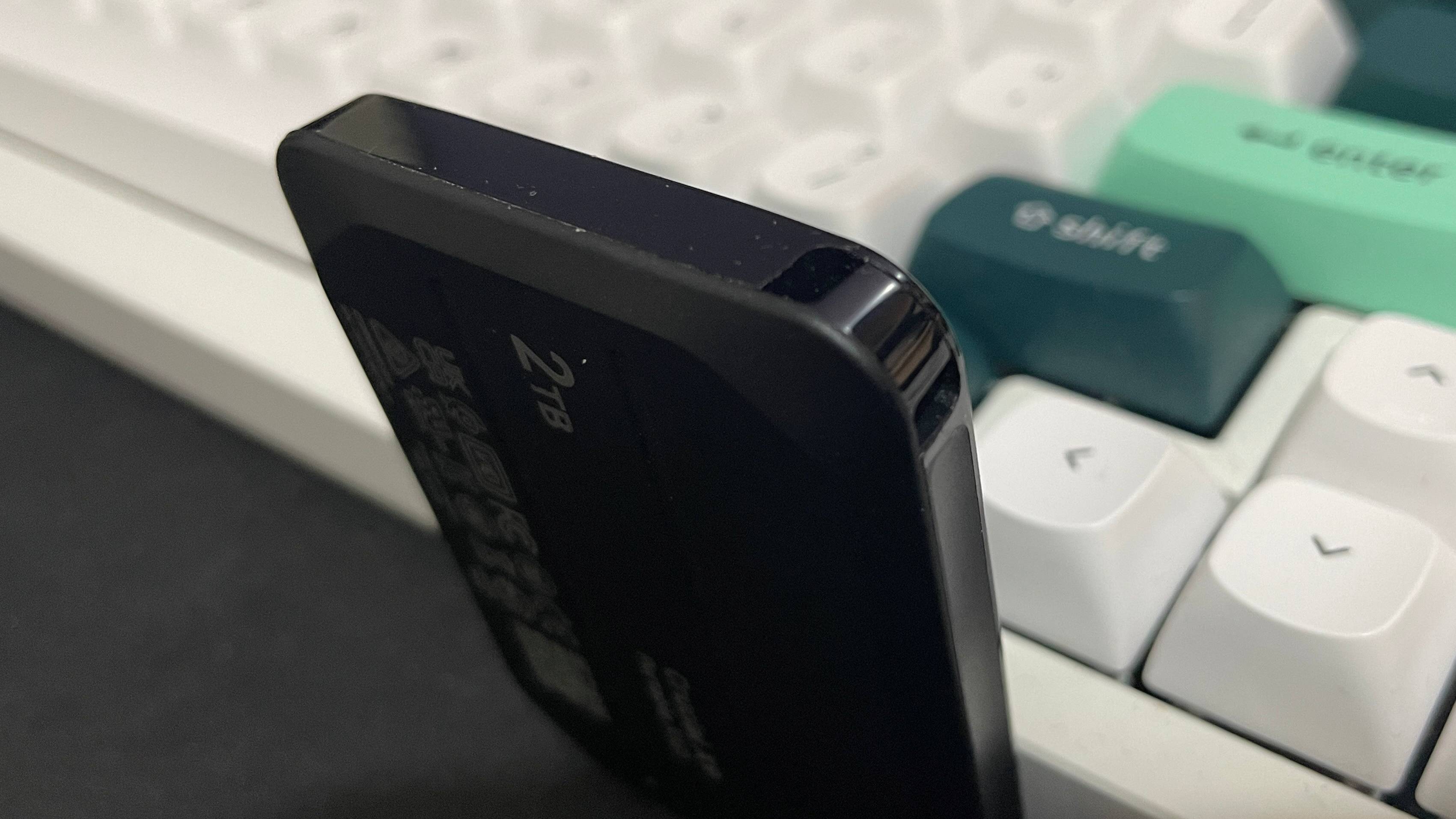
An external ssd for gaming is one of the best upgrades you can make to your PC or laptop, offering lightning-fast load times, smoother gameplay, and plenty of space for your growing game library. With so many brands and models on the market, finding the right balance of speed, durability, and price can be challenging. In this article, we’ll explore the Top 10 external SSDs for gaming PCs and laptops, helping you choose the perfect drive to boost performance and enhance your overall gaming experience.
What to Look for in a Gaming External SSD
When picking a gaming external SSD, focus on these key points to get good speed, reliability, and value:
- Speed
Choose SSDs with USB 3.2 Gen 2×2 or Thunderbolt 3/4 and NVMe technology. These are very fast, help games load quicker, and make gameplay smoother.
- Storage Capacity
○ 1TB–2TB: Good for a moderate number of games.
○ 4TB or more: Best if you have lots of big games or open-world titles.
- Compatibility
Ensure the SSD works with your PC, laptop, or gaming console. Also, check if it supports older USB ports so you can use it across different devices.
- Durability
Choose an SSD that can withstand shocks and has an IP rating to protect against drops, dust, and water. This ensures it stays safe and reliable, especially when you carry it around.
Choose a fast SSD that has enough storage, is durable, and compatible with your devices. This will give you faster load times and smoother gameplay.
Top 10 External SSDs for Gaming
Top 1: ADATA SE920 NVMe External SSD
● Interface: USB4 40Gbps Type-C
● Storage Options: 1TB, 2TB, 4TB
● Read Speed: Up to 3,800 MB/s
● Write Speed: Up to 3,700 MB/s
● Cooling: Built-in micro fan that activates when needed
● Compatibility: Windows 10/11, MacOS 13+, Linux Kernel 6+, and Android 13+.
The ADATA SE920 NVMe SSD is a top-tier portable drive with blazing-fast speeds, advanced cooling, and wide compatibility. It’s ideal for anyone needing high performance on the go, though it comes with a premium price and some fan noise.
Top 2: Samsung T9 Portable SSD
● Interface: USB-C 3.2 Gen 2×2
● Capacity: 1TB, 2TB, 4TB
● Read/Write Speeds: Up to 2,000 MB/s
● Ideal For: Gamers who want fast performance in a portable SSD without needing waterproofing.
The Samsung T9 is a fast and convenient SSD. It’s small and lightweight, making it easy to carry for gaming on the go or moving files between devices. It also comes with a five-year warranty for long-term peace of mind. While it isn’t waterproof, it’s a reliable choice for everyday gaming.
Top 3: PNY RP60 20Gbps USB SSD
● Interface: USB 3.2 Gen 2×2
● Capacity: 1TB, 2TB
● Ideal For: Gamers who need a rugged, durable SSD for travel or outdoor use.
The RP60 is a tough and durable SSD with an IP65 rating, so it’s protected from dust and water. It’s ideal for gamers who travel, attend LAN parties, or take their SSD to events.
Top 4: Lexar SL600 Blaze
● Interface: USB 3.2 Gen 2×2
● Capacity: 1TB, 2TB
● Ideal For: Gamers who prioritize speed and reliability over extra ruggedness.
The SL600 Blaze offers fast performance for quick game loading and smooth file transfers, making it ideal for home or stable gaming setups. It lacks rugged features but comes with a five-year warranty for long-term reliability.
Top 5: Samsung T7 Shield
● Interface: USB 3.2 Gen 2
● Capacity: 500GB, 1TB, 2TB
● Ideal For: Gamers who travel frequently and need a rugged, portable SSD.
The T7 Shield is built for durability. Shockproof and water and dust resistant, keeping your games and files safe from drops. Slower than newer NVMe SSDs but well-balanced for portable, protected gaming.
Top 6: Crucial X10 Portable SSD
● Interface: USB 3.2 Gen 2×2
● Capacity: 1TB, 2TB
● Ideal For: Budget-conscious gamers who still want reliable speed and storage.
The X10 provides great value for money. It offers fast read/write speeds and reliable performance without the premium price tag. Ideal for home gamers, offering fast speeds for large games and files despite lacking rugged features.
Top 7: LaCie Rugged SSD4
● Interface: USB4
● Capacity: 1TB, 2TB, 4TB
● Ideal For: Gamers who want cross-platform compatibility and a durable SSD.
The LaCie SSD4 is a strong and durable drive that works on both PCs and Macs. Fast USB4 speeds and a shockproof design make it ideal for traveling gamers. It’s also great for people who use both Windows and Mac computers.
Top 8: WD Black P40
● Interface: USB 3.2 Gen 2×2
● Capacity: 500GB, 1TB, 2TB
● Ideal For: Gamers who want a balance between speed and portability.
The P40 is a compact, lightweight SSD with fast speeds, perfect for casual gamers or those who play on the go. It’s reliable for everyday gaming but lacks rugged features.
Top 9: Seagate Ultra Compact SSD
● Interface: USB 3.2 Gen 2
● Capacity: 500GB, 1TB
● Ideal For: Gamers who need ultra-portable storage for travel, LAN parties, or small setups.
The Ultra Compact SSD is very small and light, so it’s easy to carry in a pocket or backpack. Good for game storage and file transfers, but too slow for demanding tasks.
Top 10: Crucial X9 Portable SSD
● Interface: USB 3.2 Gen 2
● Capacity: 1TB, 2TB
● Ideal For: Gamers who want a reliable, compact SSD for everyday gaming storage.
The X9 is simple, dependable, and easy to carry. It provides consistent performance without unnecessary extras. It’s ideal for gamers who want a portable and reliable SSD, even without rugged features or top-tier NVMe speeds.
Tips to Maintain and Optimize Your SSD
- Safely Eject Before Unplugging
Always eject your SSD from your computer before disconnecting it. This ensures all data is properly saved and prevents file corruption or damage to the drive.
- Limit Unnecessary Data Writes
SSDs have a limited number of write cycles. Avoid constantly overwriting files or transferring unnecessary data. Use your SSD mainly for important tasks and large files.
- Keep the SSD Cool
Protect your SSD from extreme heat or direct sunlight. Ensure proper ventilation during heavy use to maintain speed and prevent hardware damage.
- Update Firmware and Drivers
Regularly check for firmware updates from your SSD manufacturer and keep your computer’s drivers up to date. Updates can improve performance, fix bugs, and maintain system stability.
- Organize Data Efficiently
Always keep 10–20% of your SSD free. Regularly delete unnecessary files and organize your data to maintain fast performance.
Maintain your SSD’s speed and reliability by ejecting safely, limiting writes, staying cool, updating firmware, and organizing storage.
Conclusion
Upgrading to an external SSD is one of the most effective ways to boost your gaming PC or laptop. A good gaming SSD delivers faster load times, smoother gameplay, and plenty of storage for your games. Choosing the right drive comes down to balancing speed, storage, durability, and compatibility with your devices. The top 10 external SSDs offer something for every gamer, including ultra-fast NVMe drives, durable travel ready options, and budget friendly models.
Maintain SSD performance by safely ejecting it, minimizing writes, avoiding heat, updating firmware/drivers, and keeping 10–20% free space. Following these practices ensures your SSD remains fast, reliable, and long-lasting, helping you get the most out of your gaming experience.
About the Author


